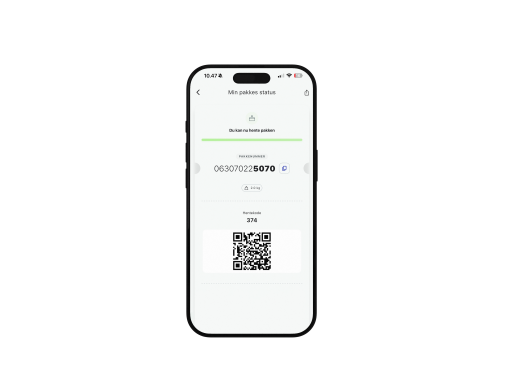
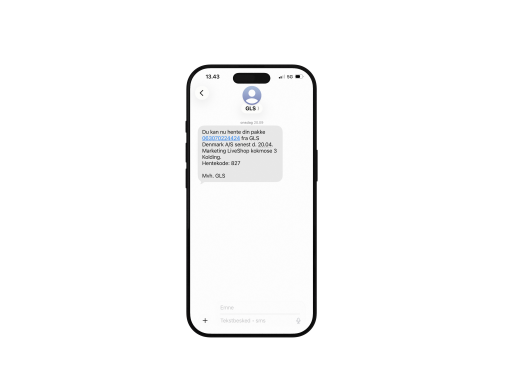
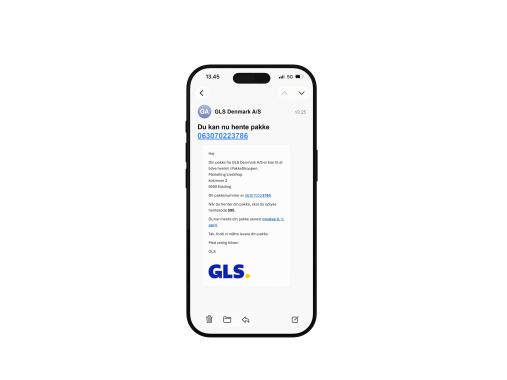
Can't you see the pickup code in the GLS app?
To view the pickup code in your GLS app, you need to create or log in to your GLS profile. The parcel must have been booked using the same contact details that are linked to your profile.
Carousel with slides shown at a time. Use the Previous and Next buttons to navigate.
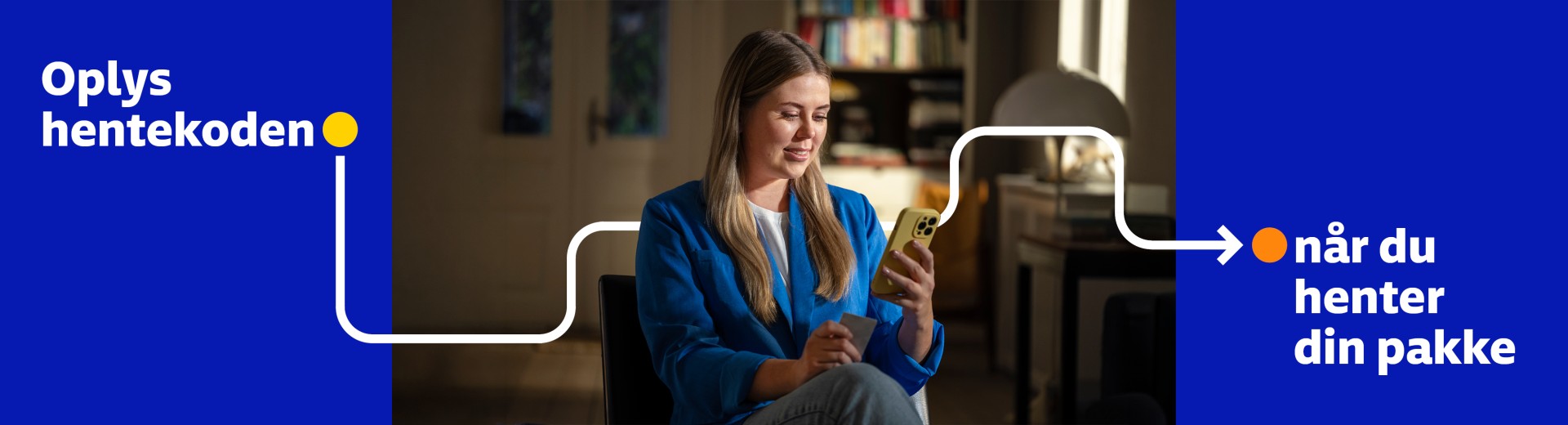
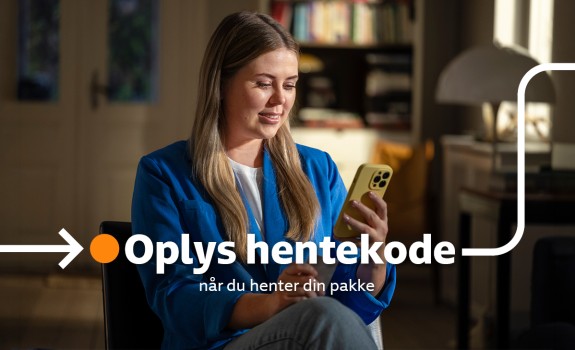
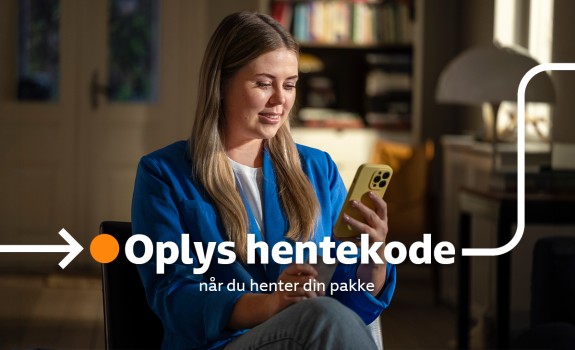
When collecting your parcel from a ParcelShop, you’ll need to provide a three-digit collection code. You will receive the collection code in the GLS app, by SMS, and via email when your parcel is ready for collection.
A pickup code consists of three digits and helps ensure that the right parcel is handed over to the right recipient.
You can still ask friends or family to collect the parcel on your behalf. Just remember to share the pickup code with them.
When collecting your parcel, you must provide the pickup code together with the parcel number.
When collecting your parcel from a ParcelShop, you’ll need to provide a three-digit collection code. You will receive the collection code in the GLS app, by SMS, and via email when your parcel is ready for collection.